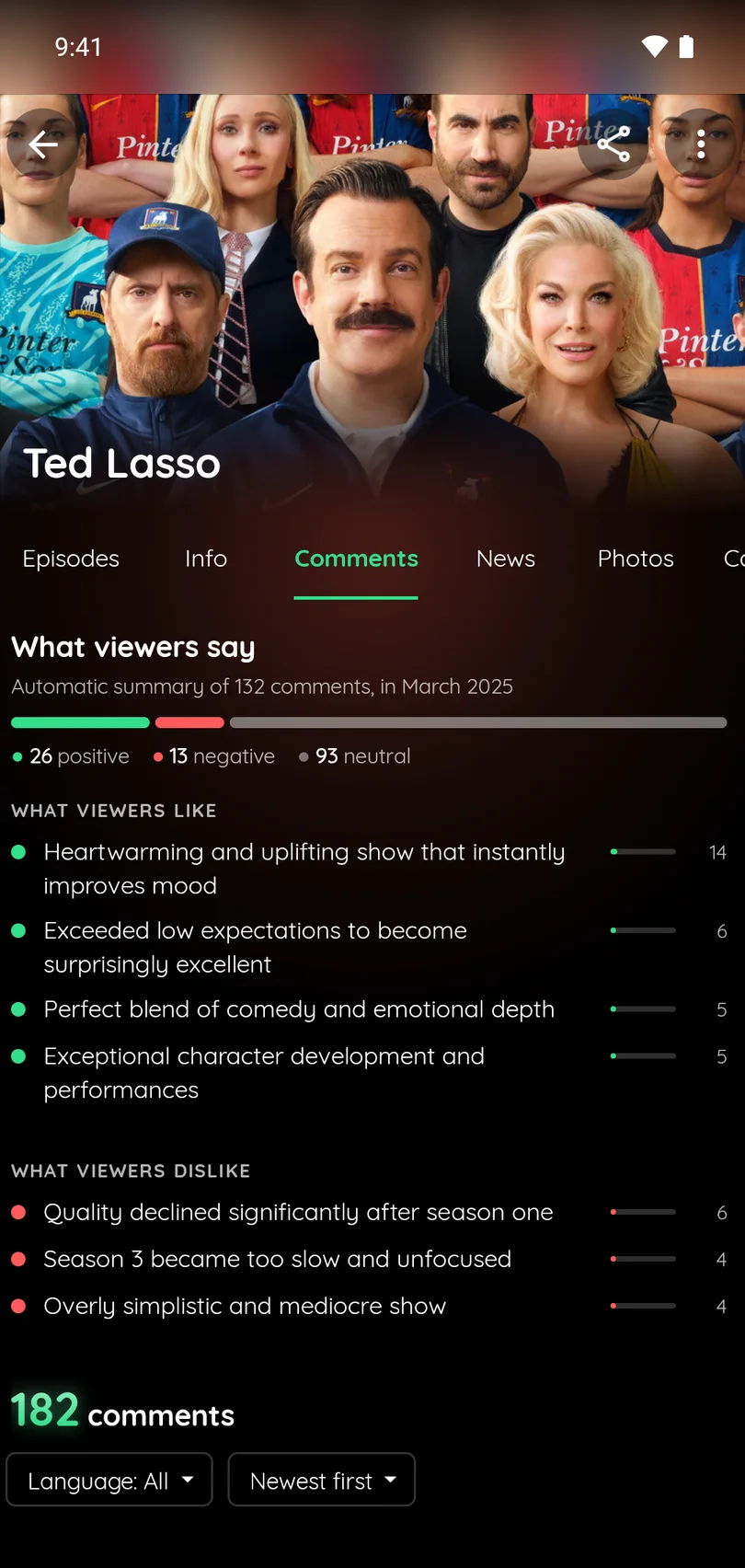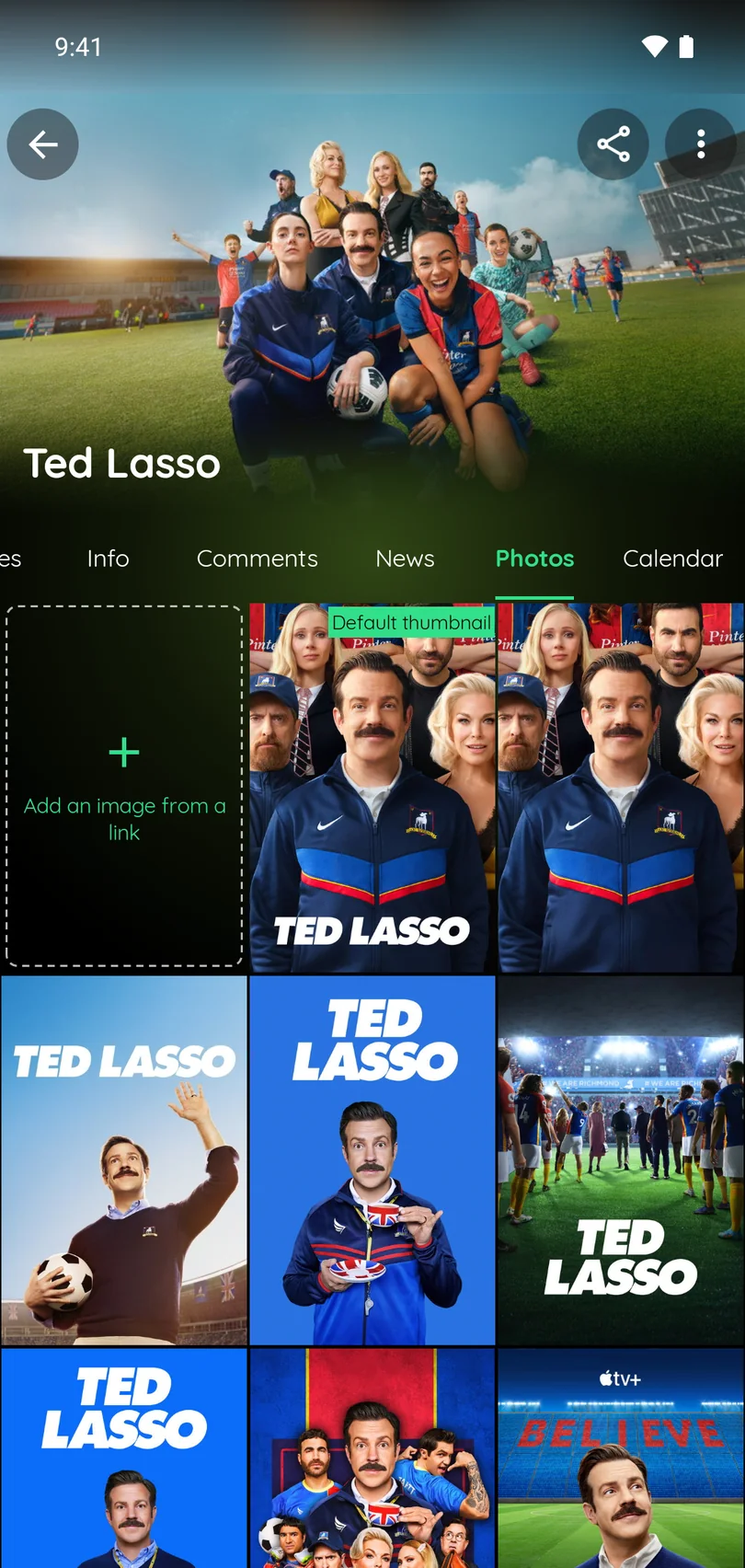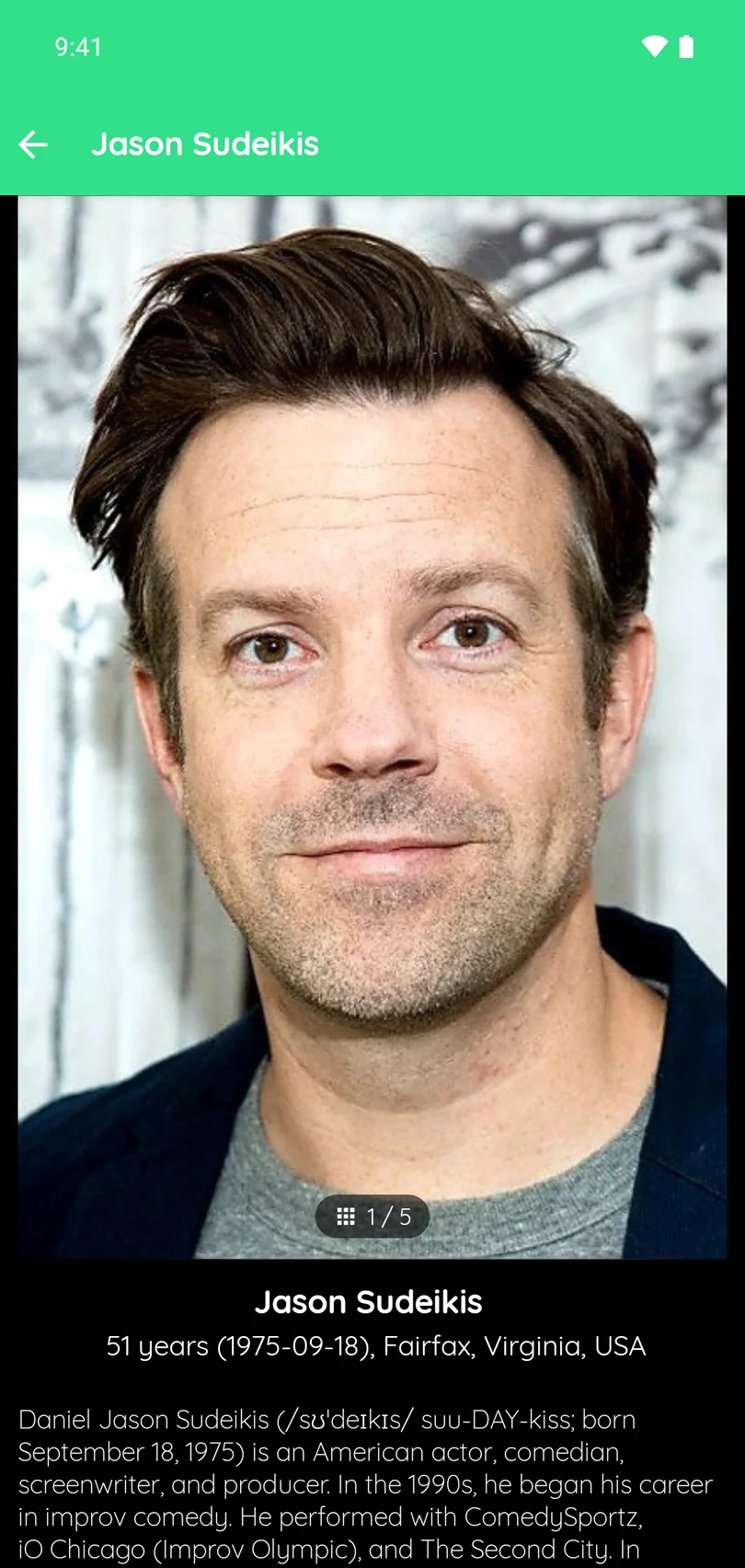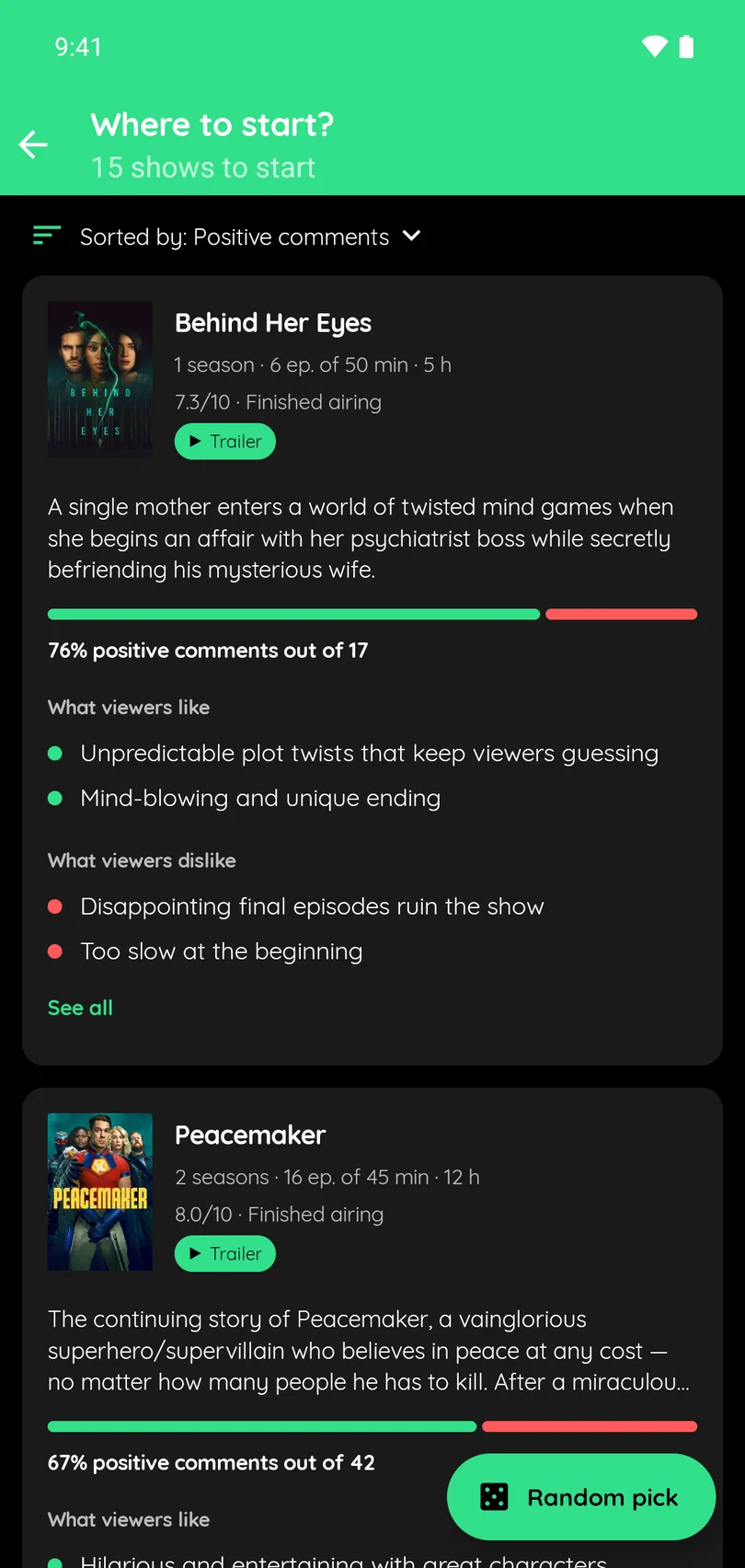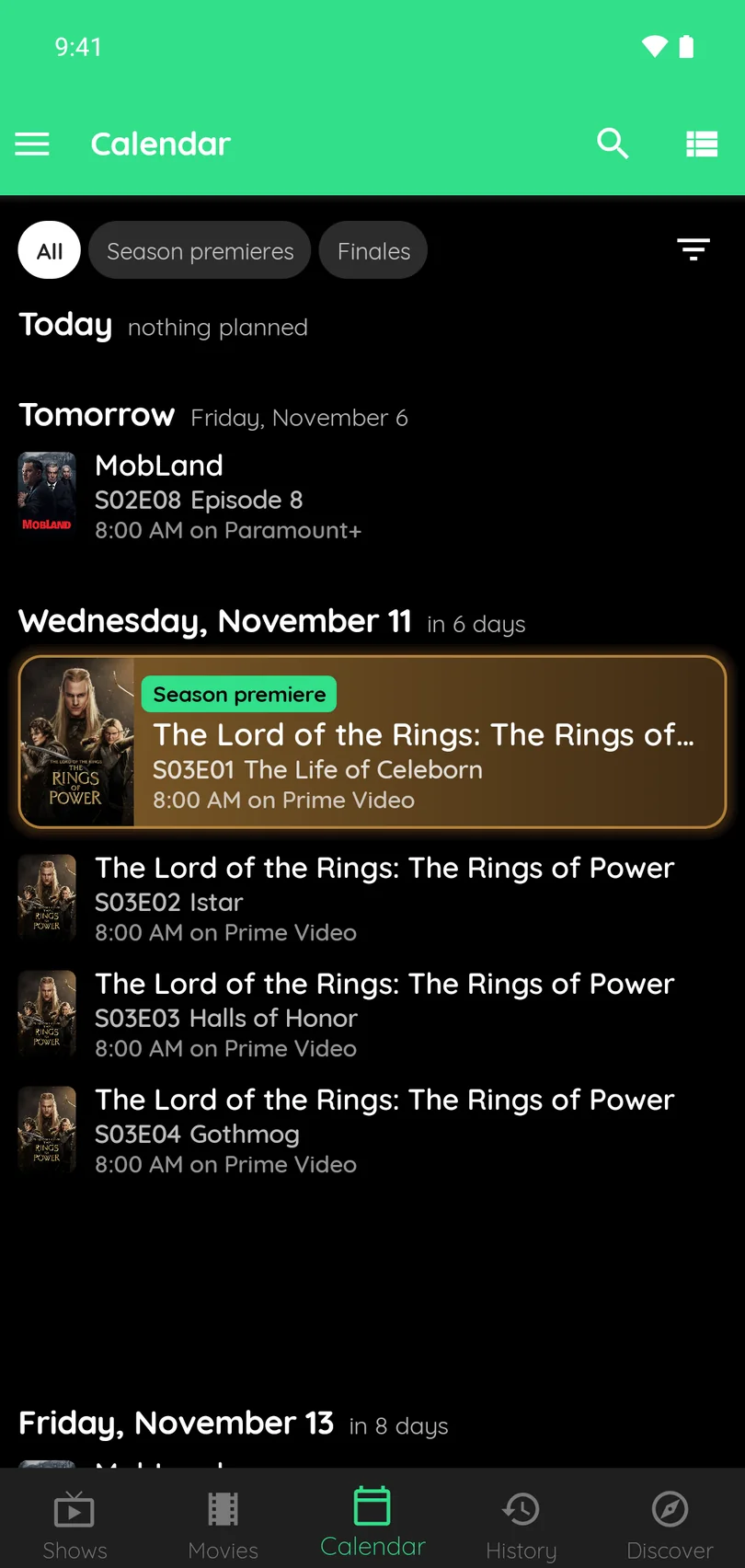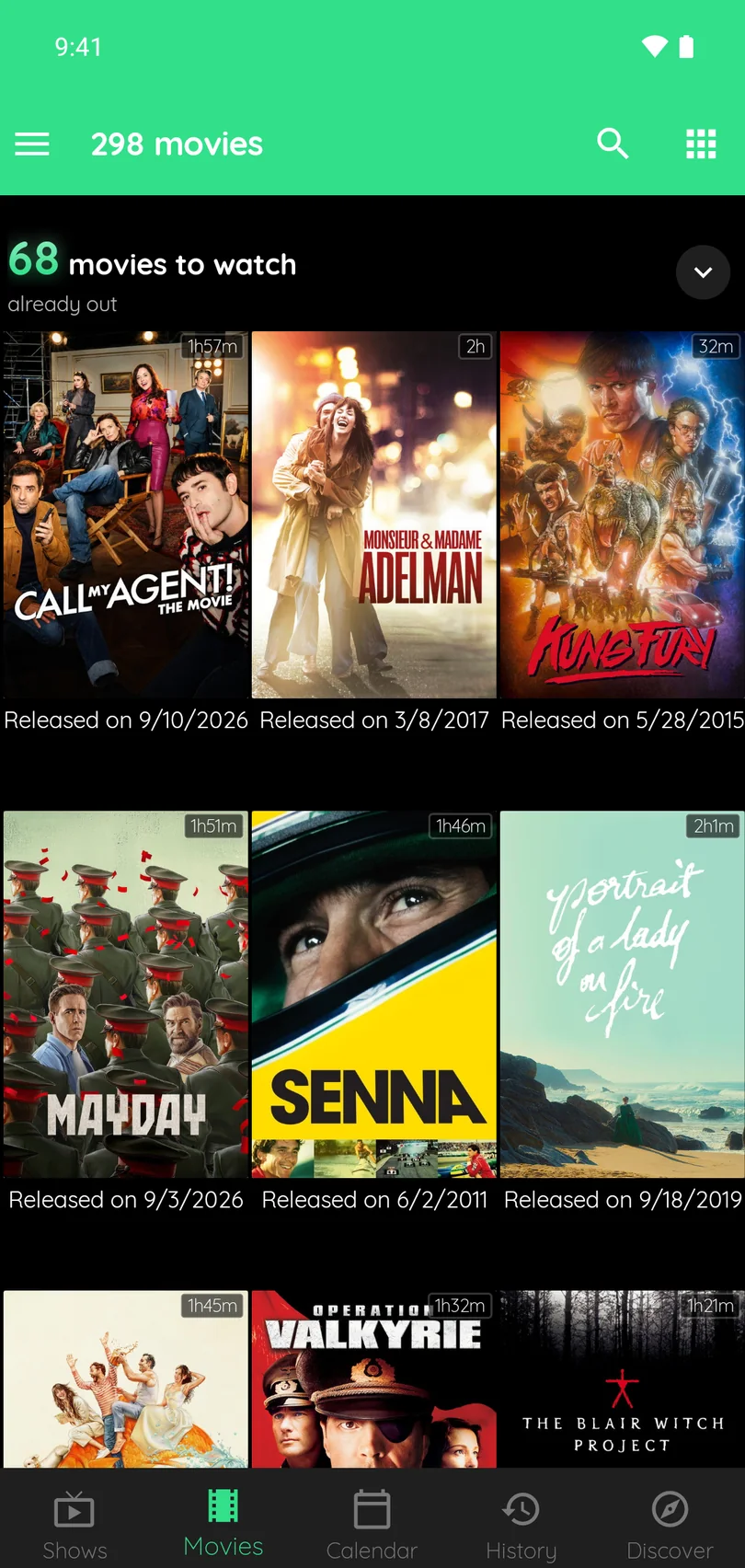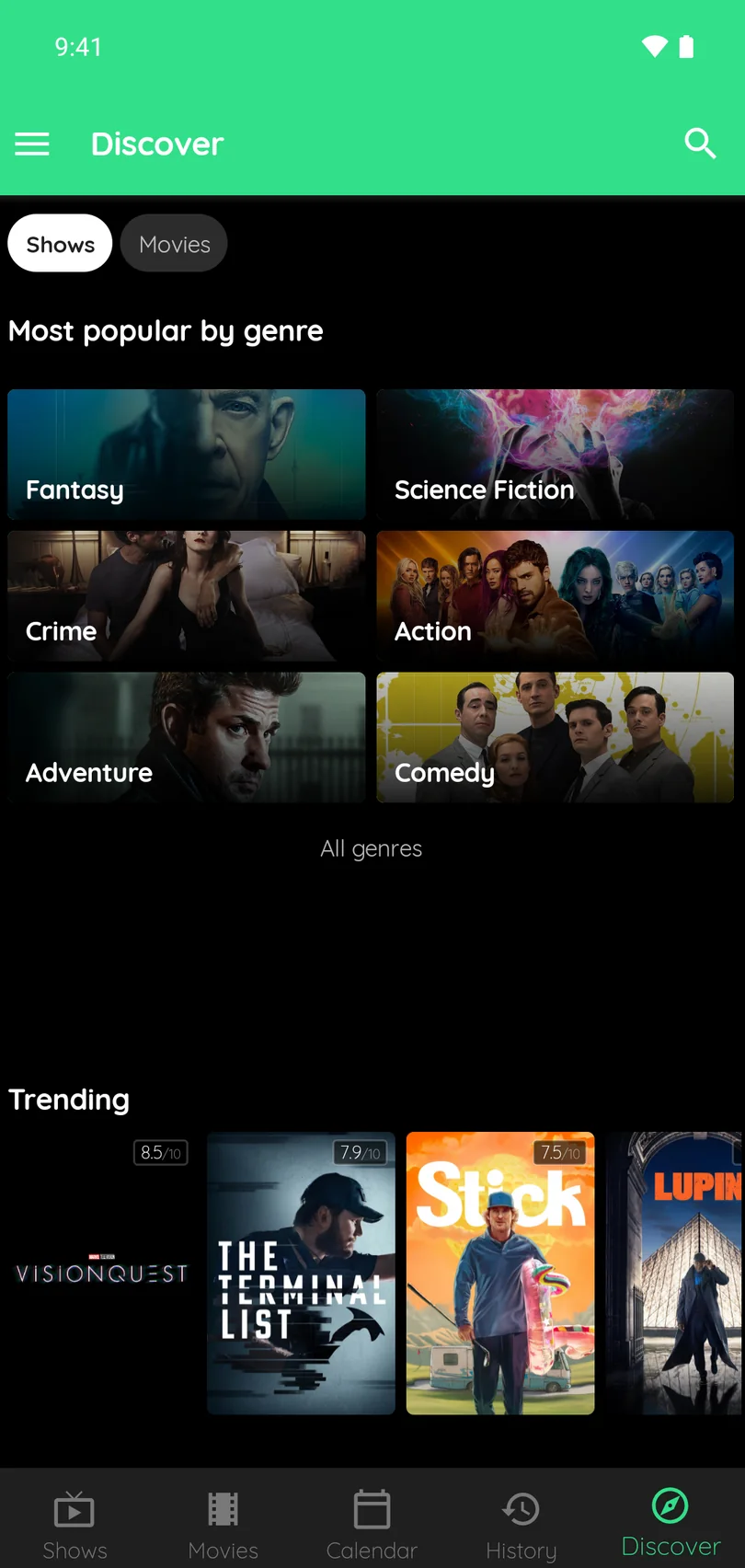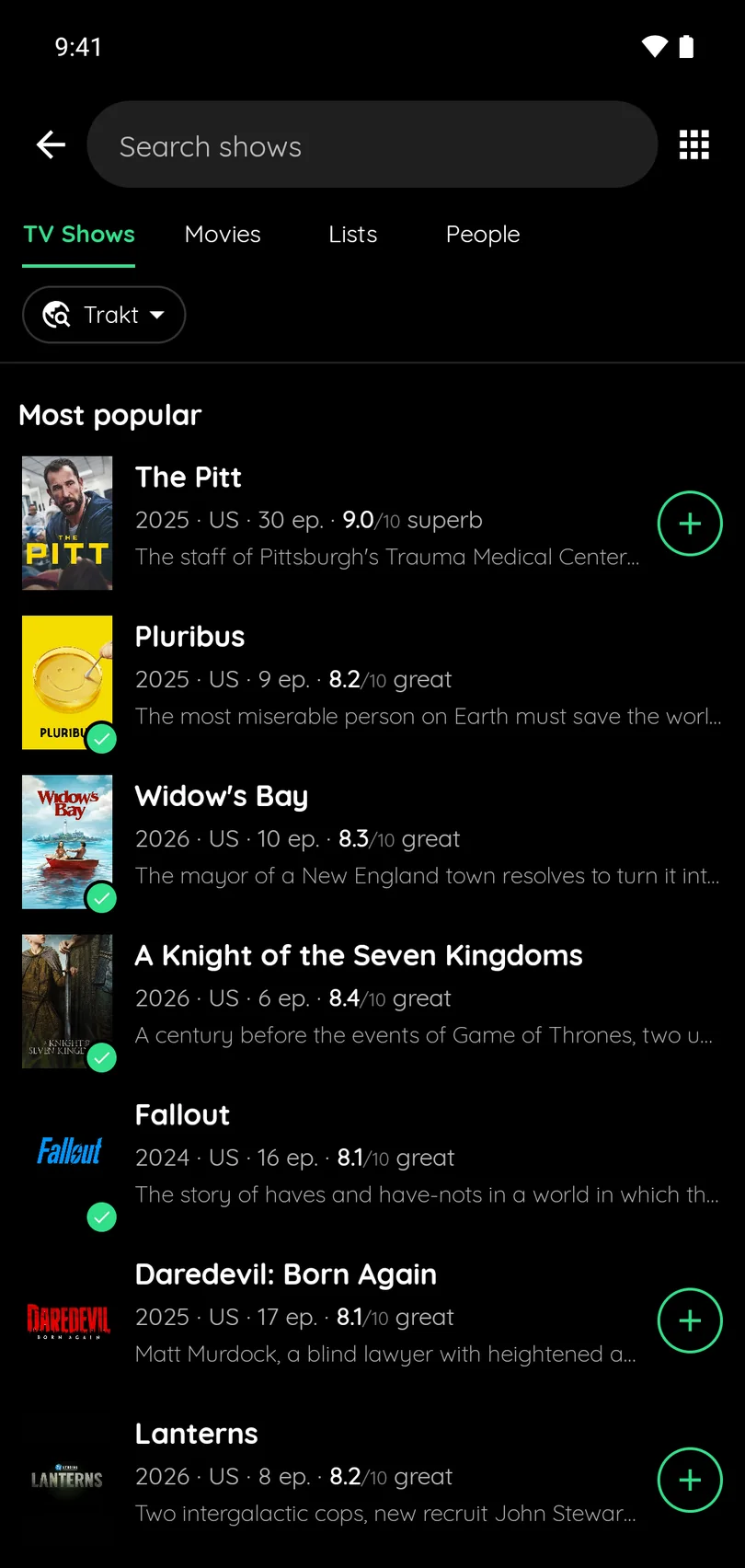
 Google Play
 App Store
 Microsoft Store
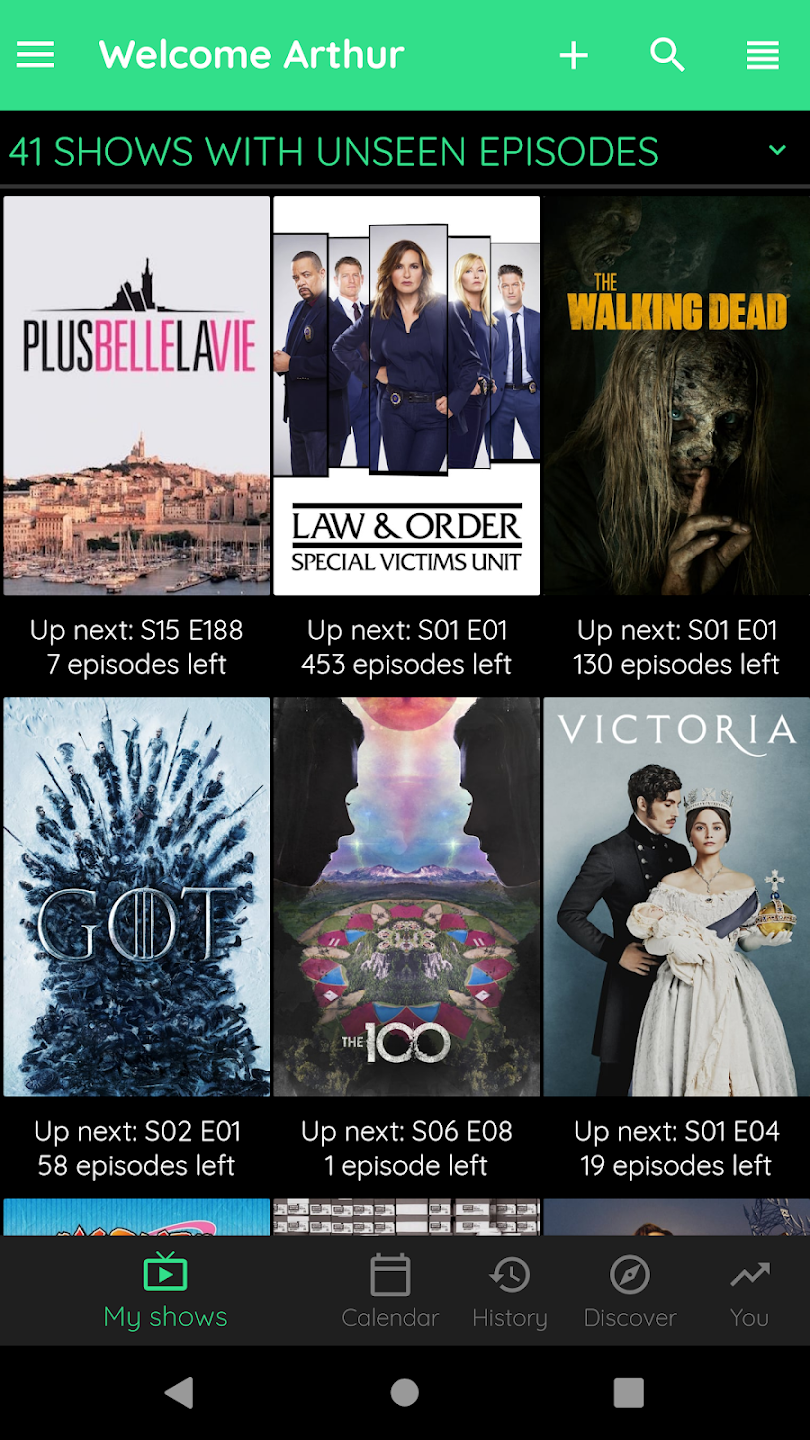
Despite its name, the app is not limited to TV shows: movies are fully supported, with their own tracking, watchlist, discovery and detailed information.
Key features
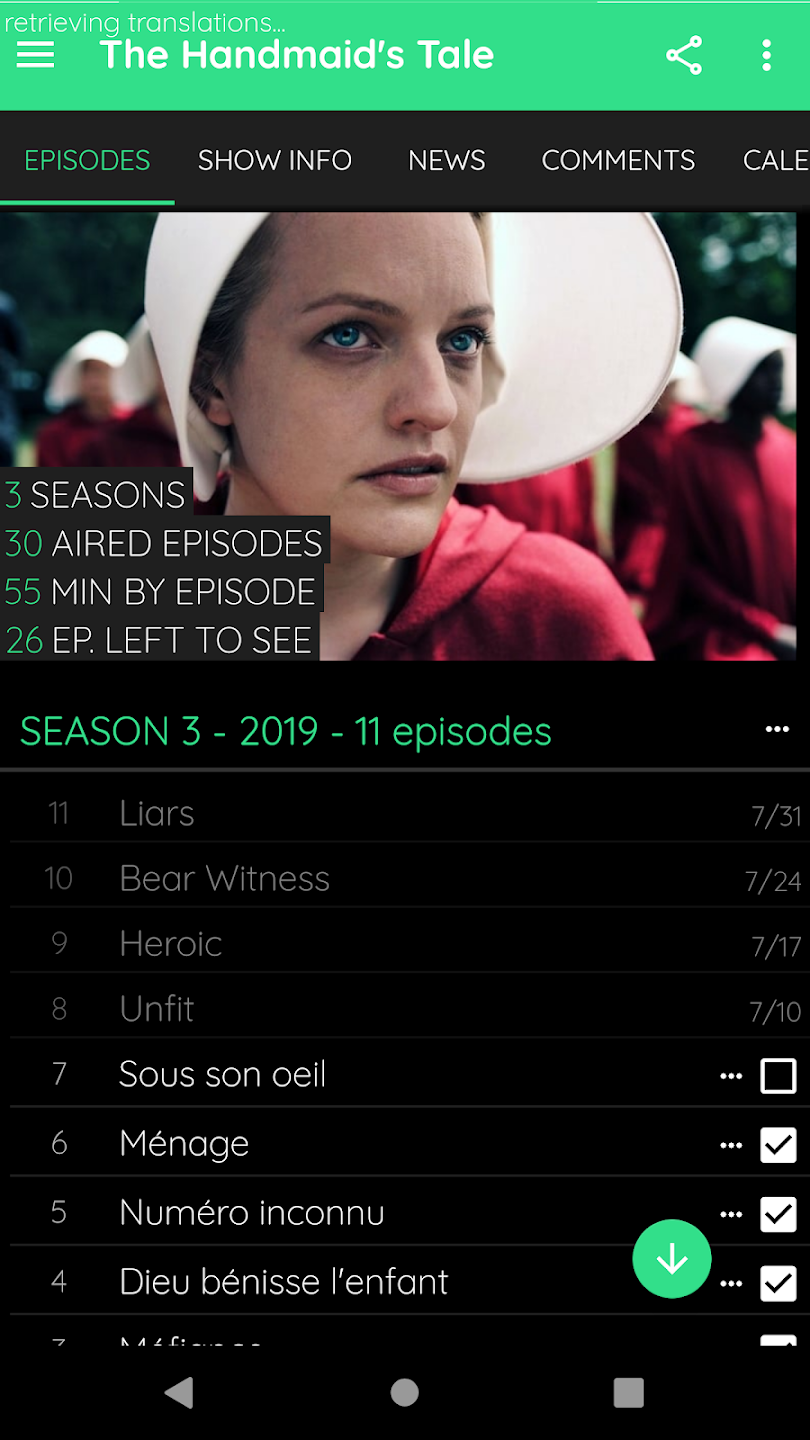
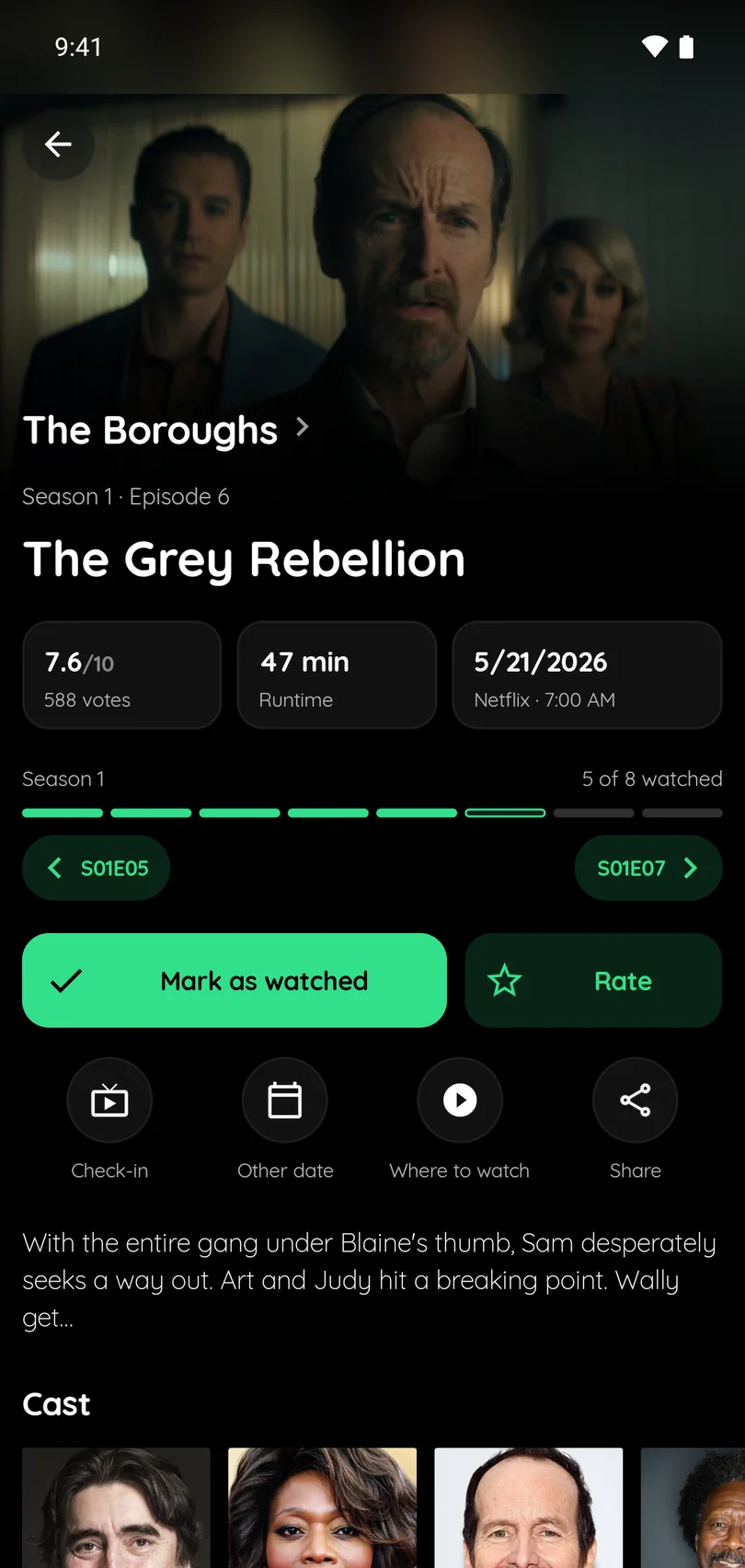
- Episode tracking — mark watched episodes and completed seasons.
- Movie history — mark movies as watched and keep a full history of the films you have seen.
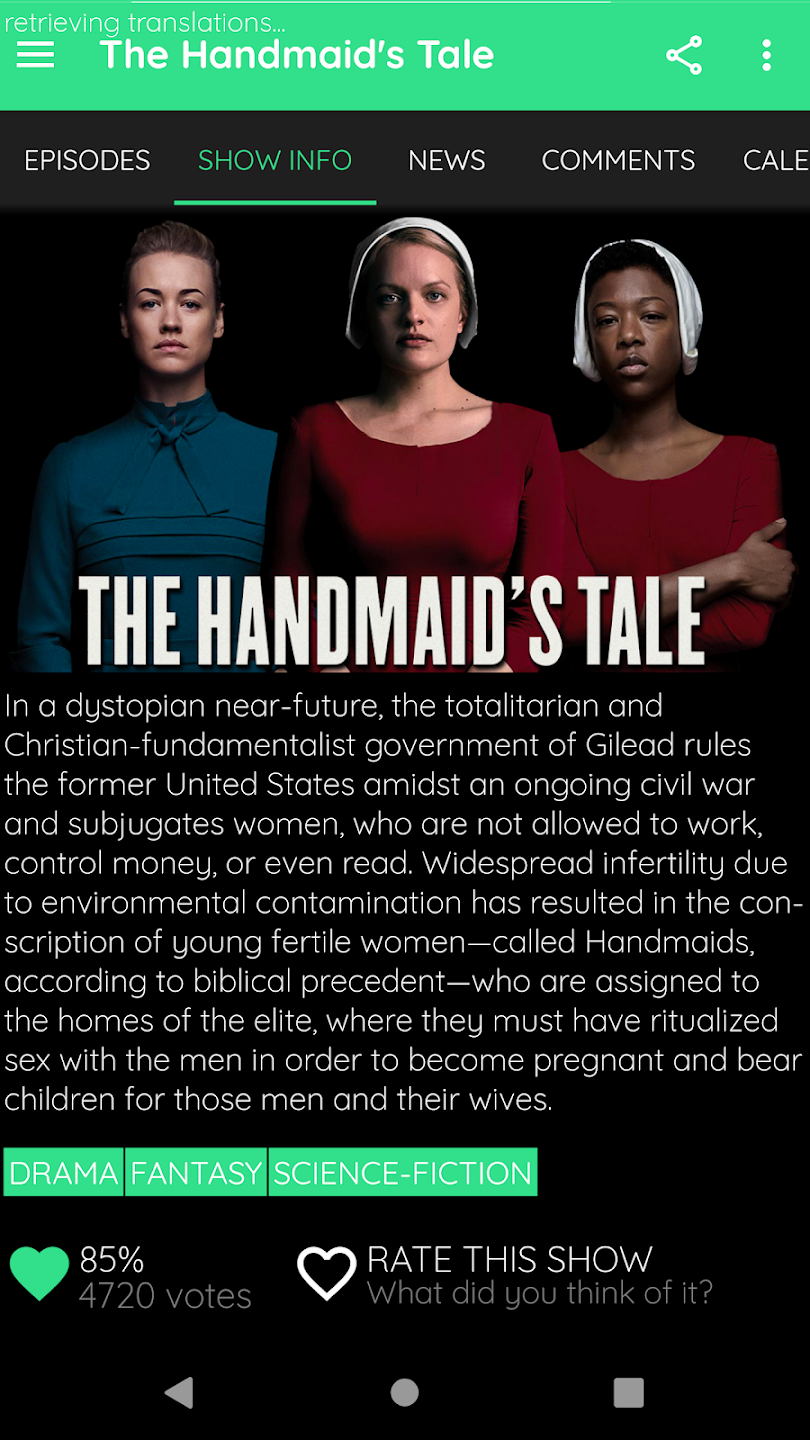
- Rich details — episodes, movies, casts and crew.
- Discovery — trending and popular TV shows and movies.
- Upcoming releases — browse new and upcoming movies and add them to your watchlist.
- Multi-device sync — your shows and movies watchlist follows you everywhere.
- Recommendations — personalized suggestions based on your watch history.
- Reminders — never miss an episode or a new release.
- Trakt integration — seamless sync with your Trakt.tv account.
Press kit
In one sentence: TV Shows & Movies Tracker is a Trakt client for Android, iOS, Windows and Mac that tracks the TV shows and movies you watch, with a watchlist, reminders and recommendations.
- Facts — over 600,000 installs. Rated 4.3/5 by more than 11,000 users on Google Play, and 4.7/5 on the App Store. Built and maintained by one developer in France. Free, with optional purchases. Works with a free Trakt account.
- Store names — “TV Show & Movie Tracker Trakt” on Google Play, “TV Show & Movie Tracker” on the App Store, “TV Show Tracker UWP - trakt.tv client” on the Microsoft Store.
- Icon — 512 × 512 PNG, 1536 × 1536 PNG.
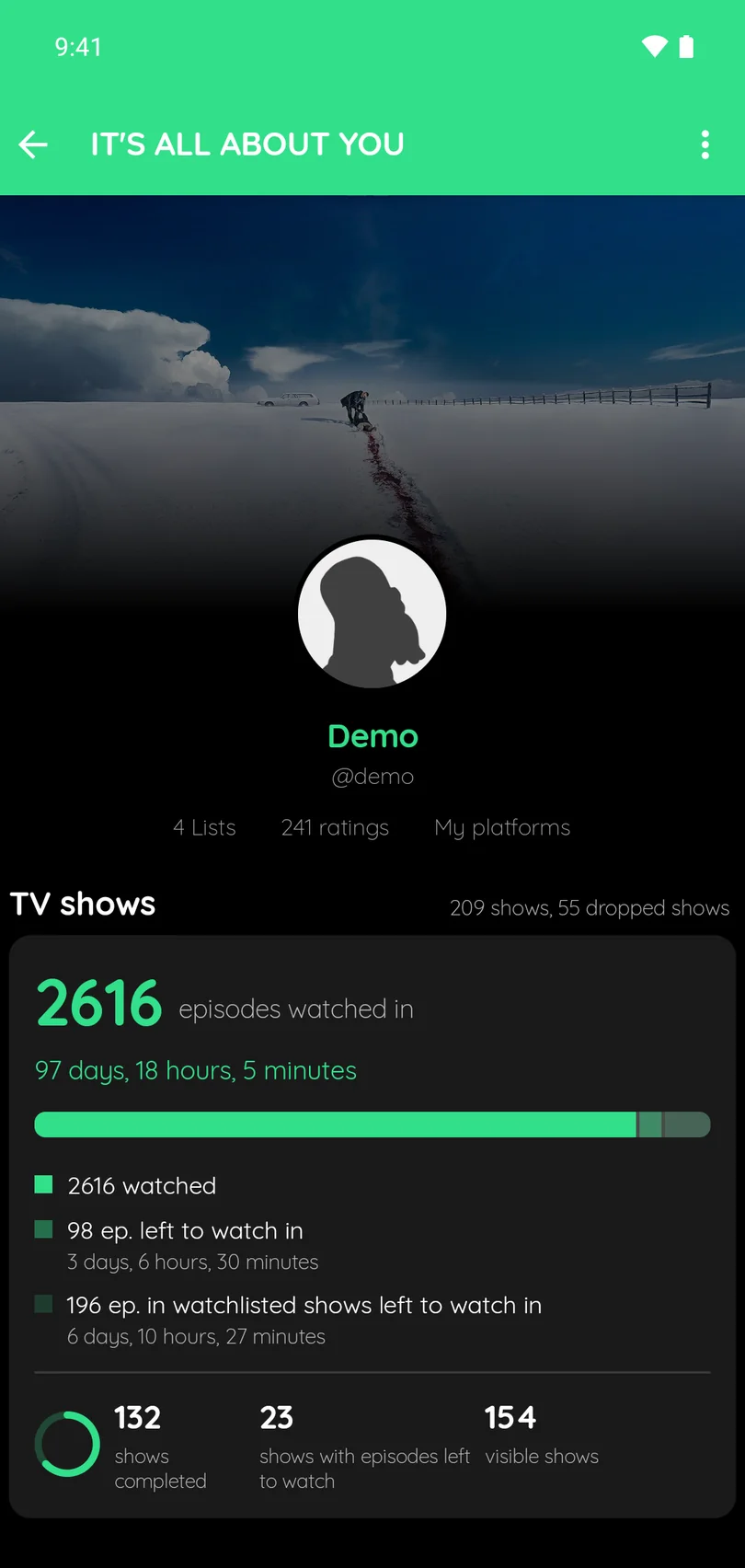
- Screenshots — the screenshots on this page are free to use. More on request.
- Review access — journalists can ask for a code that unlocks the paid extras.
- Contact — apps@jonathanantoine.com, @jmix90 on X.
About the developer
Developed by Jonathan ANTOINE, creator of Podcast Tracker, TV Series, Movies & Anime Tracker, Books Tracker. For support or inquiries: apps@jonathanantoine.com.